
Operations & scale
Plan arrivals, keep people informed and manage admission at the door. Here is how QueueKat supports your staff, and what our load tests measured.
Before booking opens
You decide how many people each arrival window holds and where they can enter. QueueKat holds those limits.
Arrival window limits
A window with two hundred places accepts two hundred bookings, even when people book at the same time. Attendees can cancel at no cost, returning exactly one place for somebody else.
One place per account
An account cannot hold both a booking and a waitlist place, or claim a second place by signing up again. That limit also applies when thousands try at once.
Separate booking windows
Offer several arrival windows so attendees can choose from the times and places available.
Scanning at several entrances
Staff scan with their own phones, with no equipment to rent and no app to install. Every scanner works from the same line, so each entrance admits from one list. Tell us how many entrances you have and we will plan it with you.
As people head over
When it is somebody's turn, QueueKat tells them to come to the door.
Notification options
Use text, email, Discord, Telegram or a system of your own. If one channel fails, QueueKat tries the next and tracks who still needs a notification.
Time to arrive starts at delivery
Each attendee chooses how to hear from you. Their time to reach the door starts when the notification is delivered, rather than when QueueKat first tries to send it.
At the door, and when plans change
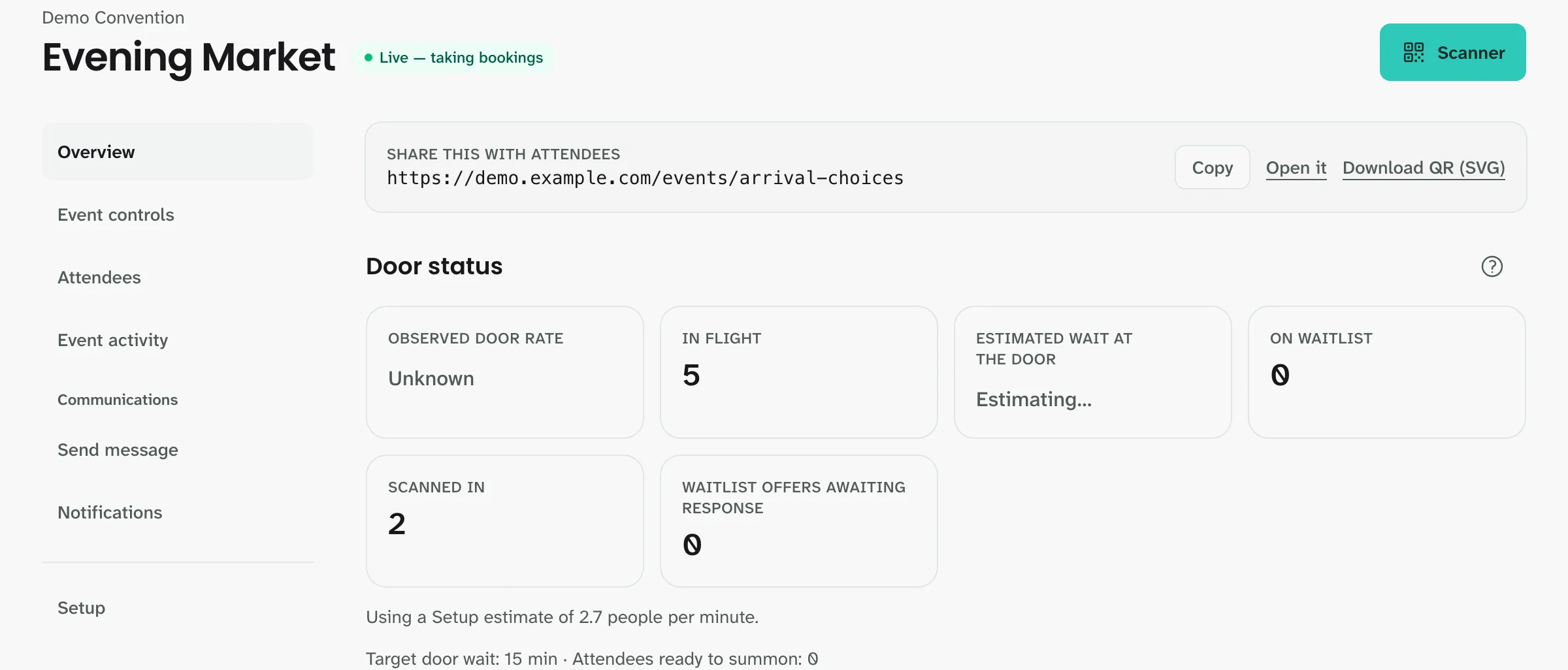
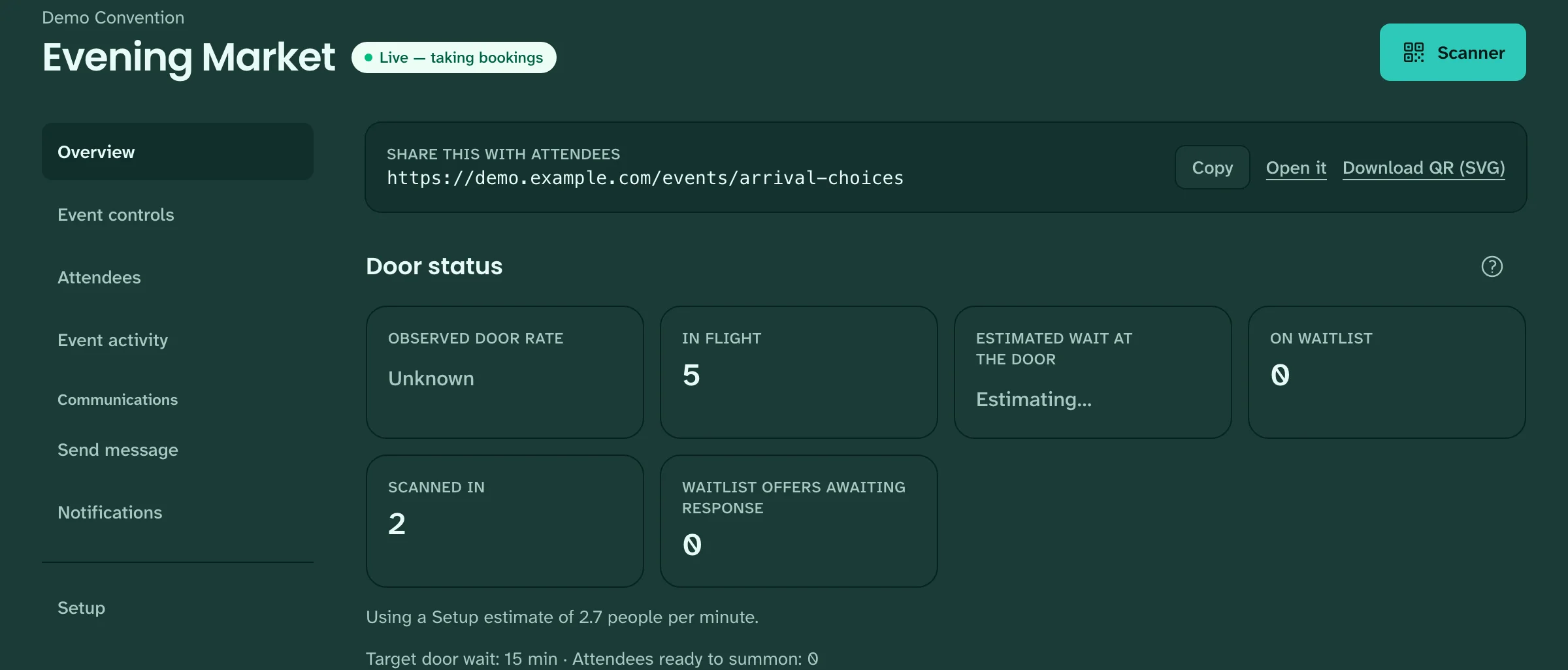
Staff can handle late arrivals and changes in the pace of admission.
Late arrivals
If somebody misses their window, their place goes to the next person. Staff can still admit them, and the record shows how late they were.
Pacing from actual scans
Start with your expected admission rate. Once scans come in, QueueKat uses the measured rate at the door to adjust the pace.
Manual changes leave a record
Staff can adjust the pace or admit somebody manually. Removing an attendee requires a note, records who made the change, returns the place and invalidates the code. You can refer to that record if a question comes up later.
Admission counts
QueueKat counts how many people staff have scanned in. It cannot tell you how many are still inside the room.
The opening rush
Bookings can arrive all at once when an event opens. This is one test we ran, shown with what it does and does not tell you.
What we tested
This test simulated a short rush of individual bookings for one event. It is not a guarantee of performance at every event or over a longer period.
The result measures saved bookings, not how quickly pages appeared on phones, notifications arrived or updates reached every attendee's screen.
30,000 bookings in about 12 seconds
In a load test with 30,000 connected simulated attendees, every booking was saved, with none refused. A separate check confirmed each booking matched its confirmation.
Over the course of an event
People keep checking their plans after booking opens. A separate test measured sustained browsing across event, booking, party and admission-pass pages.
What we tested
This test simulated attendee browsing for two hours in a dedicated test environment. It is not a capacity guarantee for your event.
It did not measure new bookings, staff activity, notification delivery or how quickly pages appeared on phones. We did not separately check that the data shown on each page was correct.
13,500 connected sessions for two hours
Simulated attendees completed 8.64 million page transitions, with no failed transitions or lost sessions recorded. Some accounts had more than one session open, so this is a session count, not a count of individual people.
Request a walkthrough
In your email, include your event date, expected attendance and how many entrances you have. We will show you an event from setup through admission.
Opens your email app to write to charlie@queue-kat.com.