
The line still exists. Nobody has to stand in it.
Virtual queueing for event organizers
Attendees book an arrival window and enjoy the event while they wait. QueueKat tells them when to head over, and your staff scan them in using their own phones. There is no equipment to rent or app to install.
For festival gates, badge pickup and timed entry, with a few hundred attendees or tens of thousands.
Opens your email app to write to charlie@queue-kat.com.

How QueueKat works
Set up arrival windows, then let QueueKat keep track of places and notify attendees.
-
1
Set your arrival times
Choose when people can arrive and how many places each window has. Create a whole day of windows at once and change them later.
-
2
People claim a place
Attendees book a window or join the waitlist, where they can see their position. People who turn up on the day can join too. Each account holds one place.
-
3
QueueKat tells them when to come
When you are ready for the next group, QueueKat notifies them by text, email, Discord or Telegram. You choose how much notice they get.
-
4
Staff scan people in
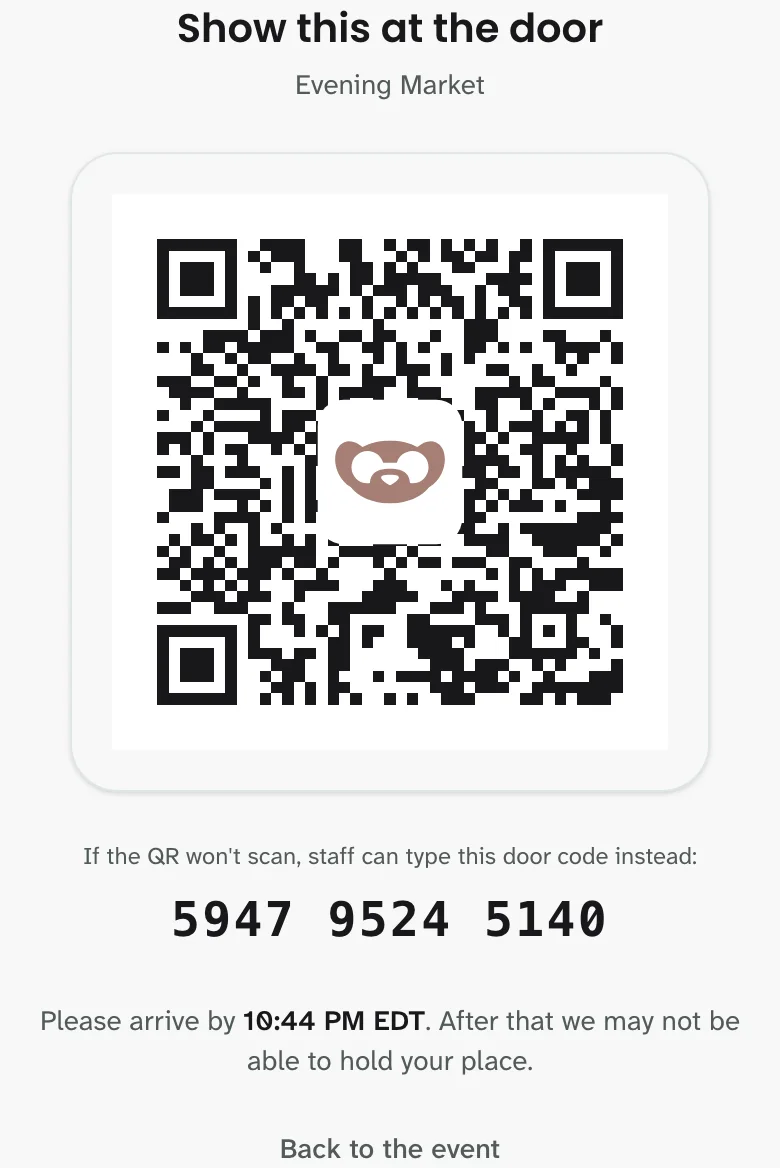
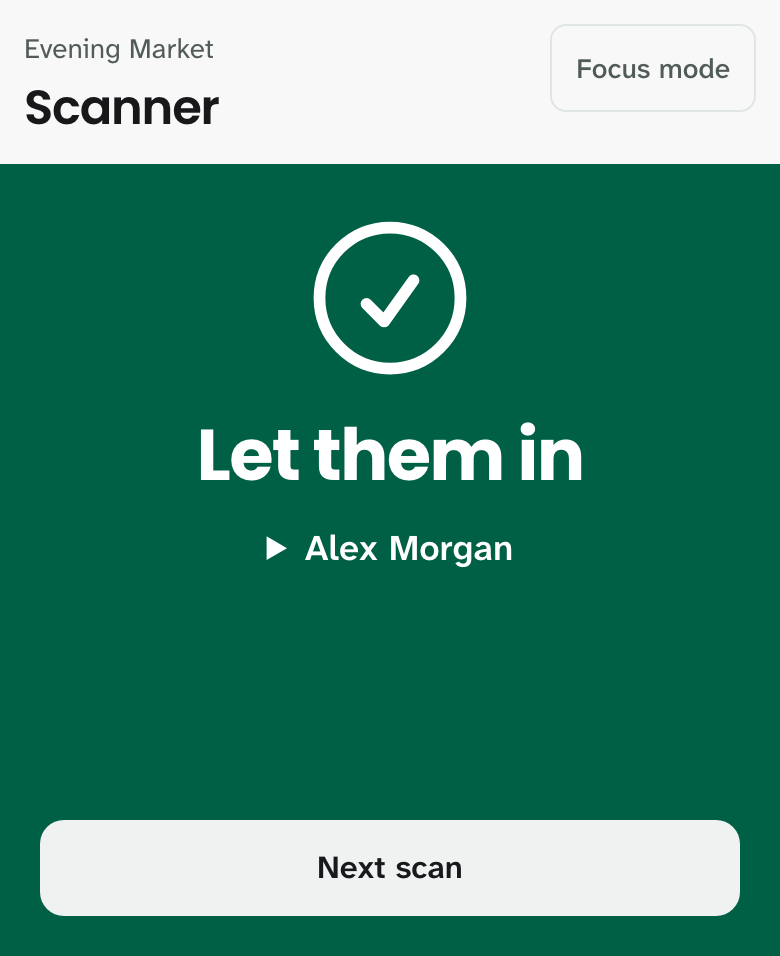
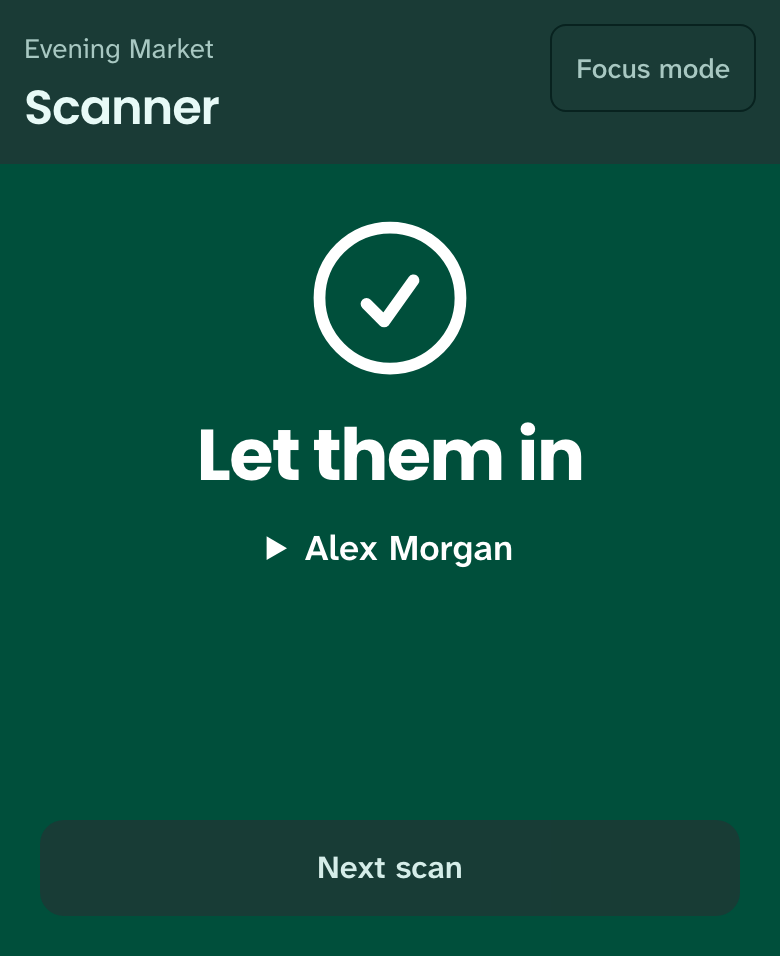
Attendees show a QR code at the door. Staff scan it with their phones, and each code admits its holder once.
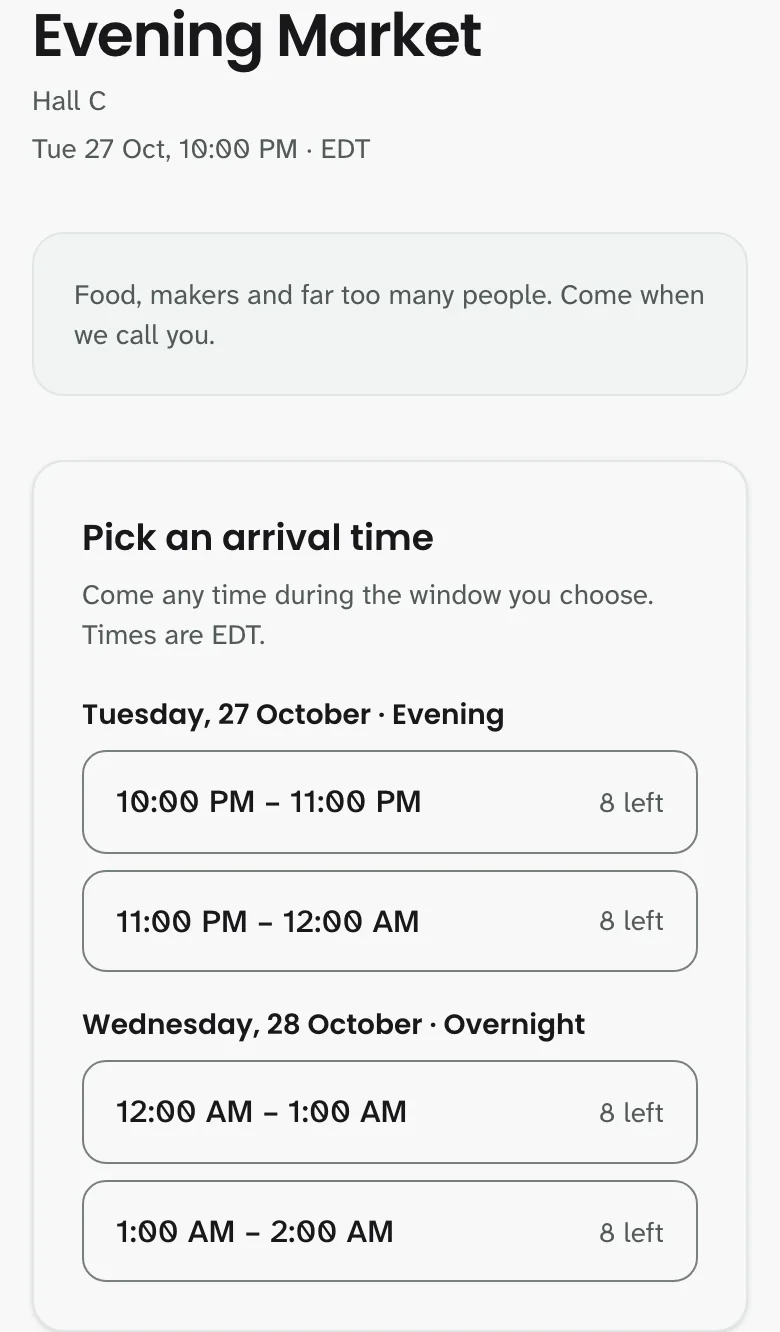
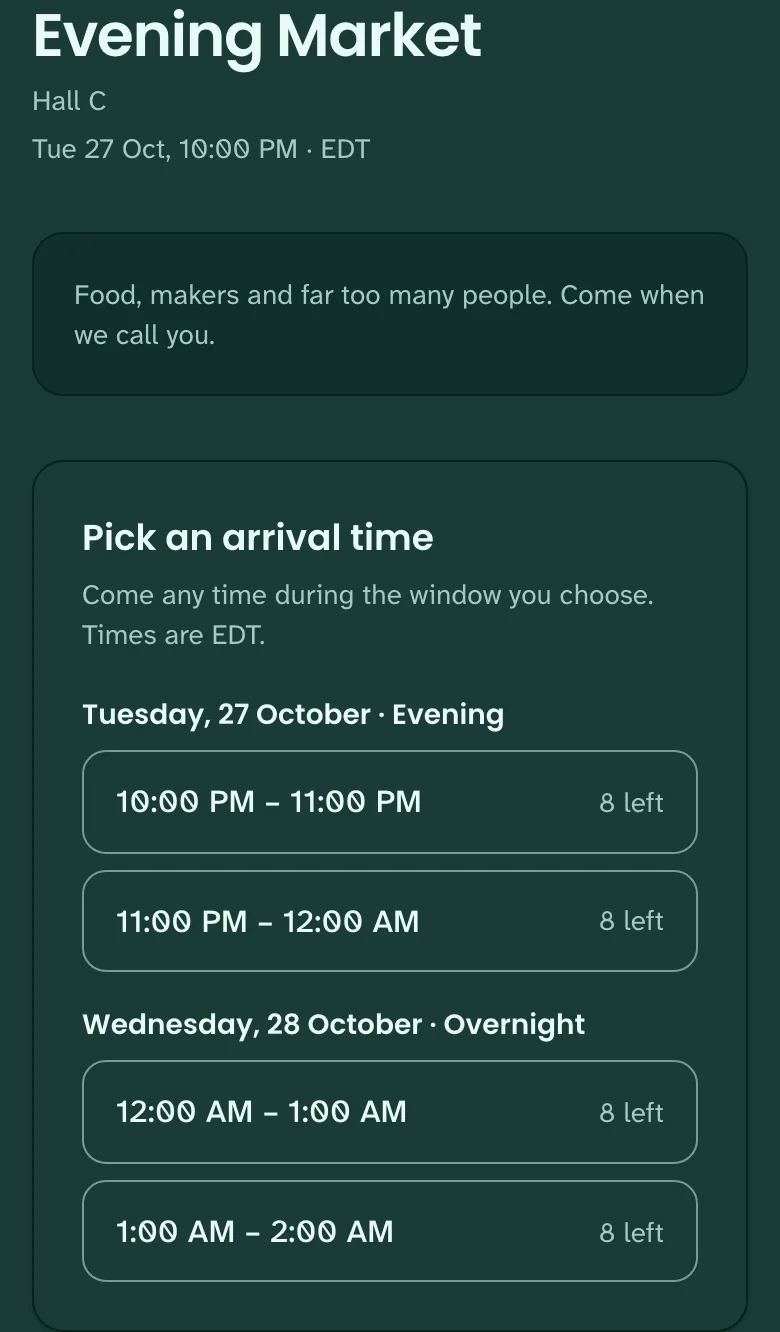
From booking to the door
Attendees get a pass when it is time to come, and your staff get a clear result at the door.
Attendee pass
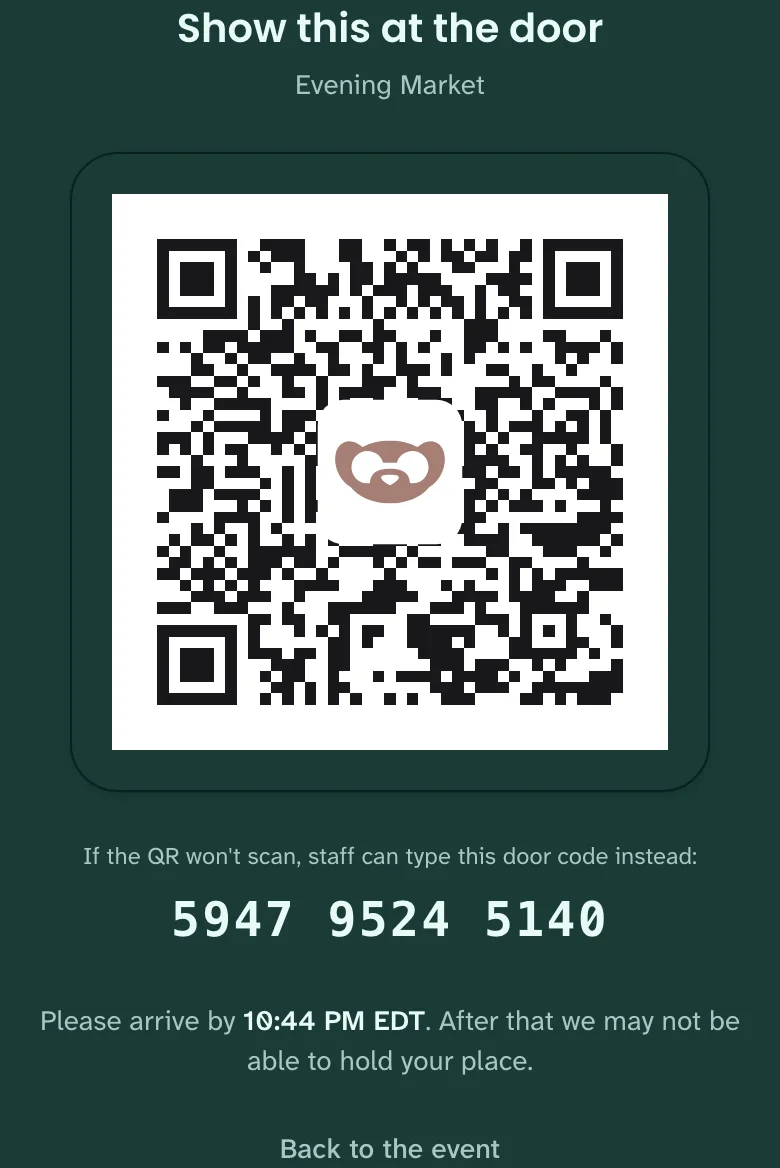
Staff admission
Less reason to arrive early
Attendees have an arrival window, so they can spend their time elsewhere. Queueing before you open does not get them a better place.
Passes appear when it is time to come
QueueKat creates a code only when an attendee is called, preventing screenshots of passes before their turn. Each code works once.
One place per account
An account cannot hold both a booking and a waitlist place, or claim a second place by signing up again.
Ready for the opening rush
Bookings can arrive all at once when an event opens. QueueKat is designed to handle that rush while keeping each arrival window within its capacity.
A short booking test of one event
With 30,000 connected simulated attendees, QueueKat handled all bookings in about 12 seconds, with none refused. This measured saved bookings, not page or notification speed, and is not a guarantee for every event.
See how late arrivals, pacing, notifications and several entrances work, and what the test did and did not measure, on the Operations & scale page.
Request a walkthrough
Email us to see an event from setup through admission, including the staff console, attendee pass and door scanner. In your email, include your event date, expected attendance and how many entrances you have.
charlie@queue-kat.com (opens your email app)
For help with an existing account, use the same email address.